
Sleeping Fox
by BeadArtify
Free browser tool · your image stays on your device
Use our free bead pattern maker to turn a photo into pixel art, adjust the grid and colors, then edit your design and download a PNG. Start creating in your browser. No account needed for conversion.
Ready.
Private by designPhotos are processed in your browser.
Actually editableClick any bead to cycle its color.
Practical outputGrid, counts, and PNG included.
One workspace, many crafts
Start with a picture to pixel art conversion, then adapt the grid for fuse beads, bead loom work, cross stitch, kandi, crochet, diamond painting, or block mosaics. BeadArtify keeps dimensions and material counts visible while you work.
Choose a starting point
by BeadArtify
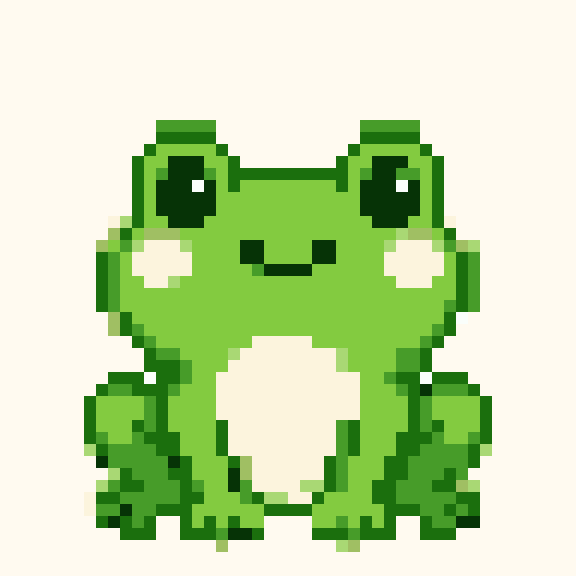
by BeadArtify

by BeadArtify

by BeadArtify
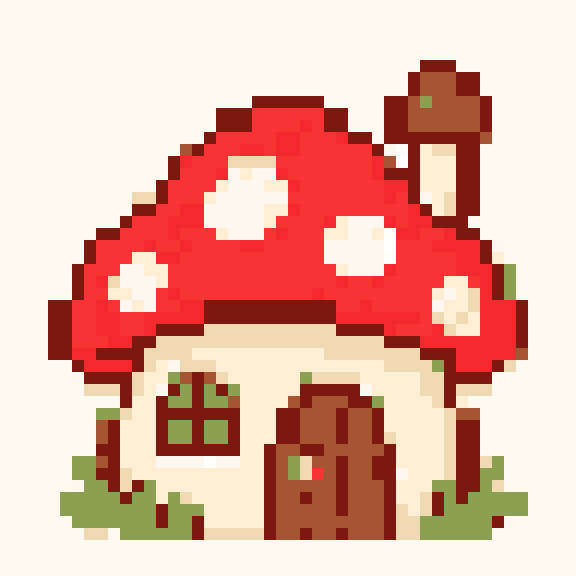
by BeadArtify
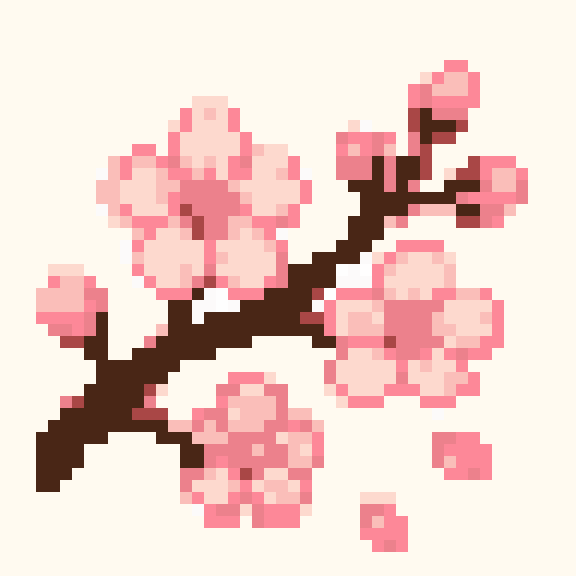
by BeadArtify
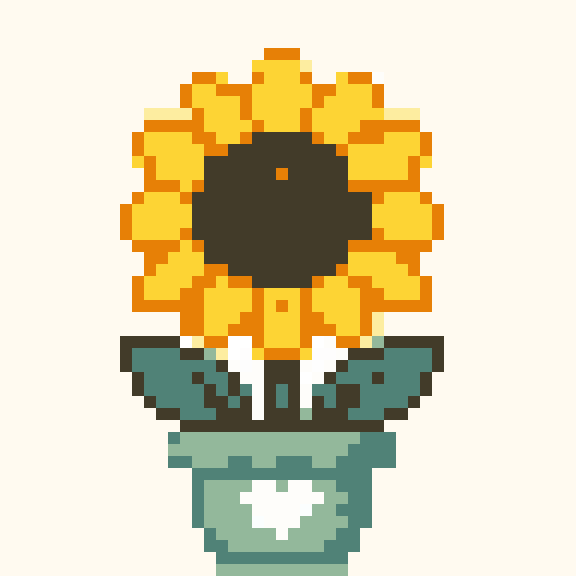
by BeadArtify
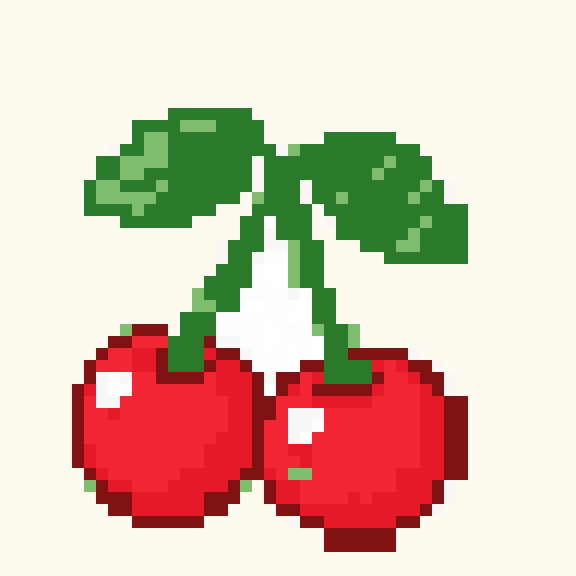
by BeadArtify

by BeadArtify

by BeadArtify

by BeadArtify
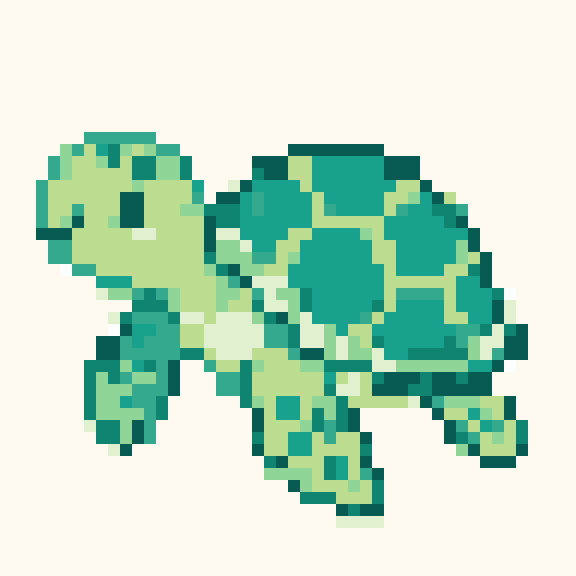
by BeadArtify
Learn the craft
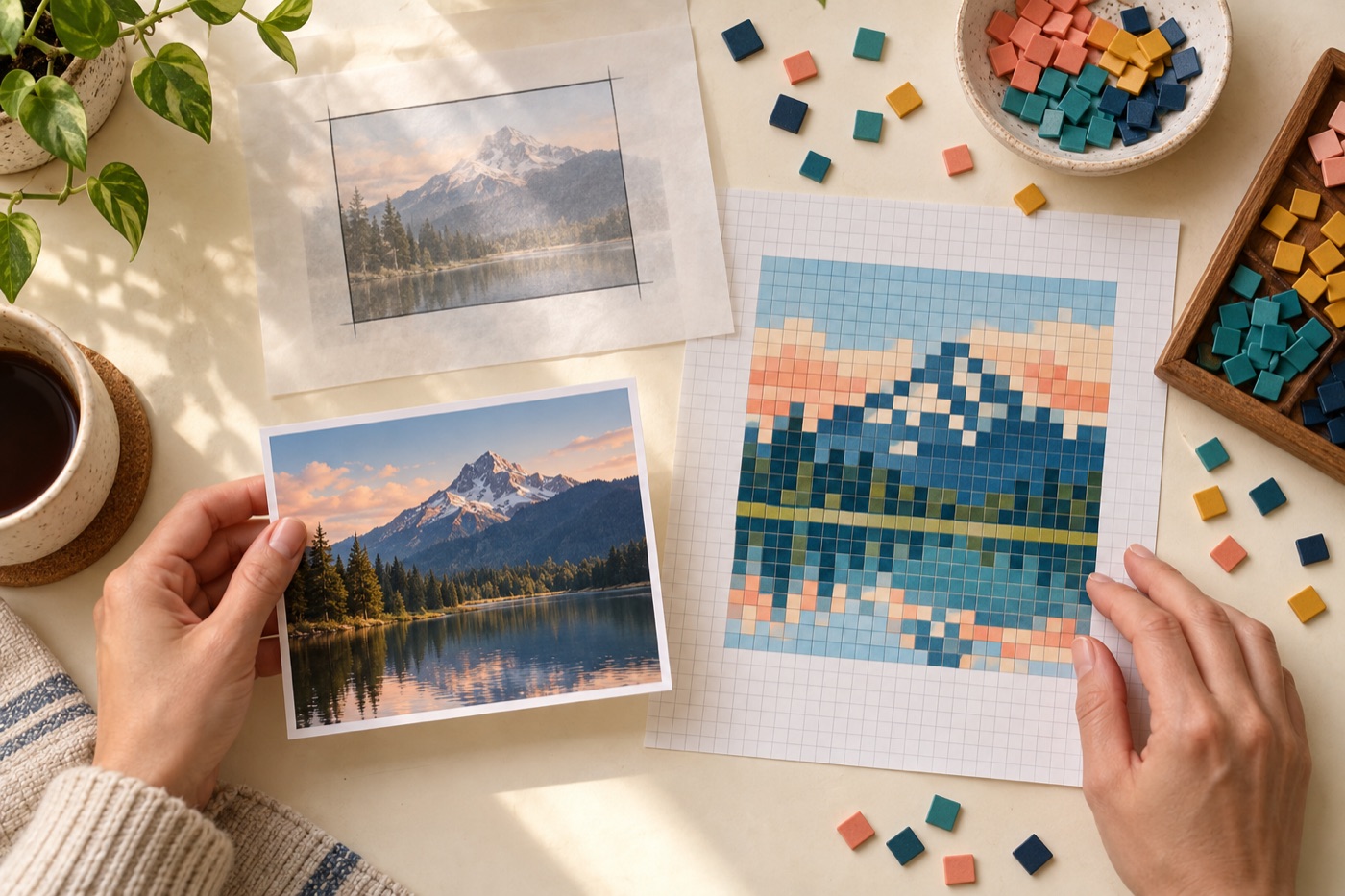
A practical workflow for choosing dimensions, reducing colors, and cleaning a photo-based grid.
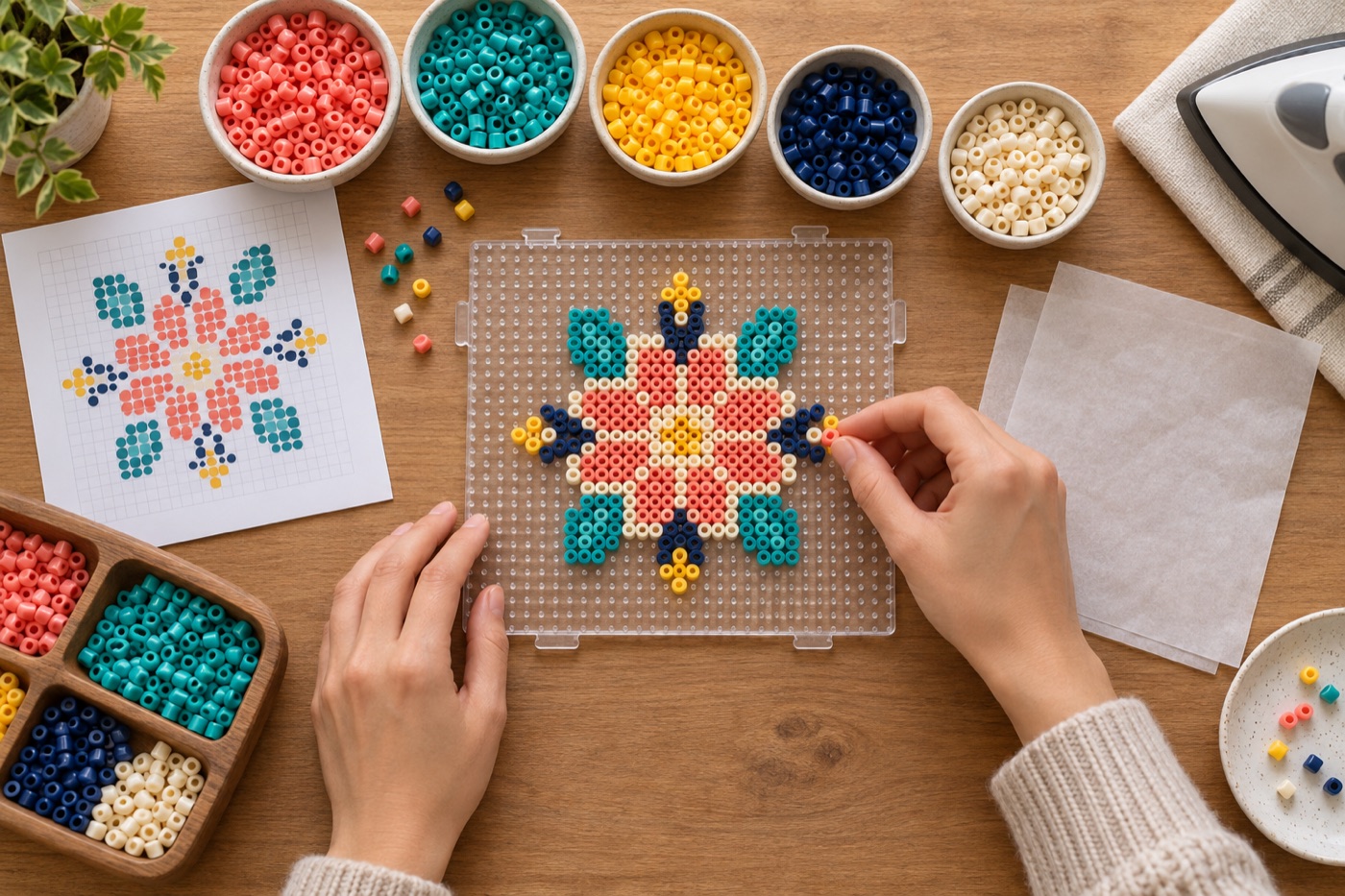
Choose the right image, grid, palette, and ironing method for a pattern that works off screen.
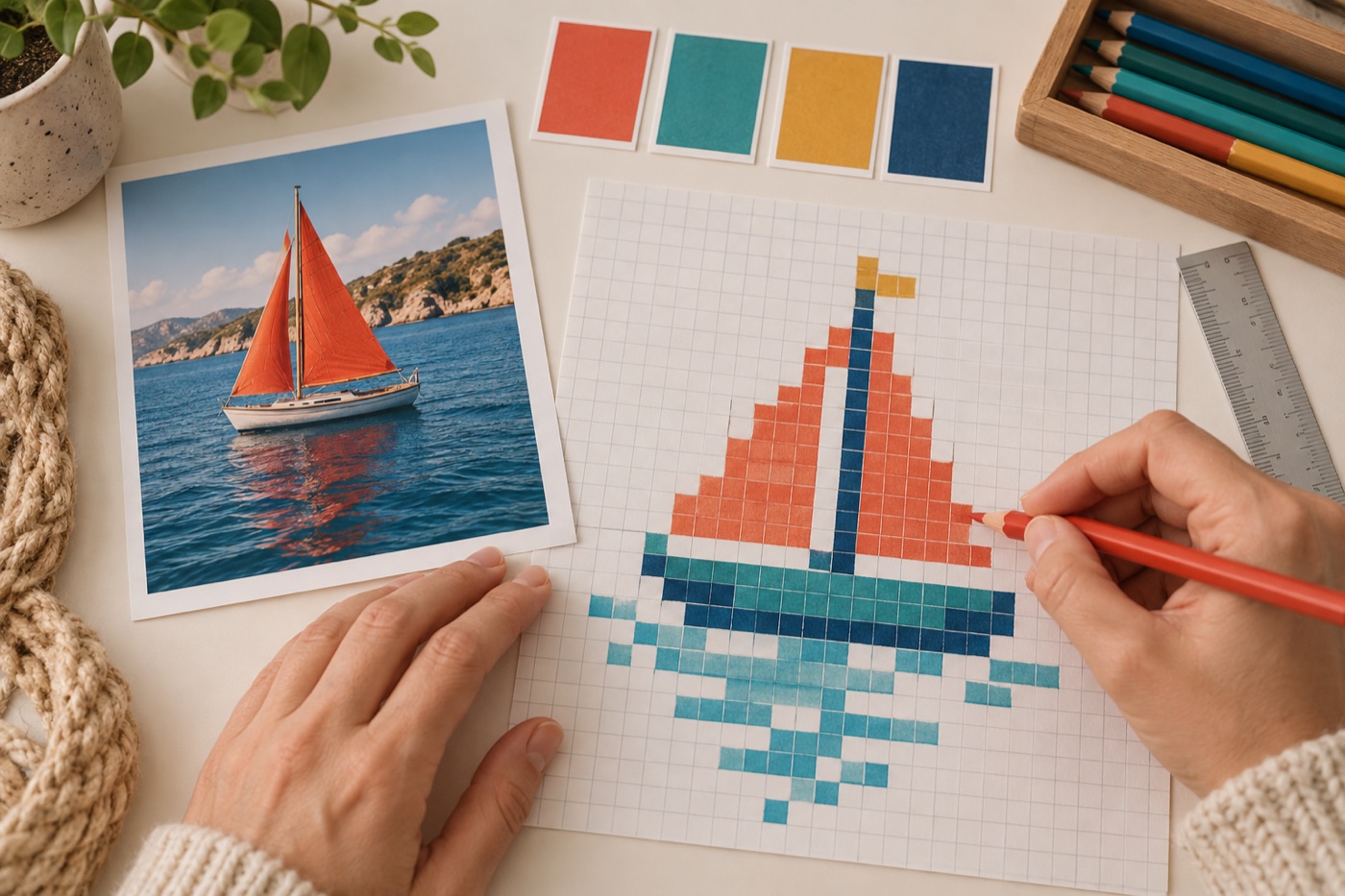
Make every square readable and keep important shapes intact at small sizes.
Save editable patterns, share your original bead art and discover what other makers are creating.
Join the communityStart with a photo, illustration or your own pixel art. A simple silhouette makes a clearer small pattern.
Choose the grid width, reduce colors and adjust the image. Review the color counts before selecting supplies.
Refine your design in the editor, download a PNG or save an editable project to return to later.
Upload JPEG, PNG or WebP images and choose a grid size. Conversion stays in your browser.
Adjust brightness, contrast and saturation. Limit your digital palette and use optional Floyd–Steinberg dithering.
Continue in the designer to paint, erase, fill areas, replace colors and undo changes.
See how many filled cells use each color. Match digital shades with your physical supplies before crafting.
Download your pattern as PNG, or use your browser’s print dialog. Dedicated multi-board PDF charts are not yet available.
Create an account to save editable projects and publish designs in the community gallery.
Choose an image above, set the grid width and maximum colors, and inspect the result. Open the designer to clean up individual cells before downloading.
The image converter and designer are free to use. An account is needed to save projects online or interact with community patterns.
The current palettes are BeadArtify digital color sets, not verified manufacturer codes. Compare the colors with your own beads before buying supplies.
Yes. Use a clear subject, start with a small palette, and increase the grid size only when more detail is needed. The dedicated pixel art converter uses the same image-processing controls.
The converter processes your source photo on your device. Saving a project to your account sends its editable grid and preview to the service.
Use Edit / save pattern to move the converted grid into the designer. Save it to your account or export project JSON for future editing.